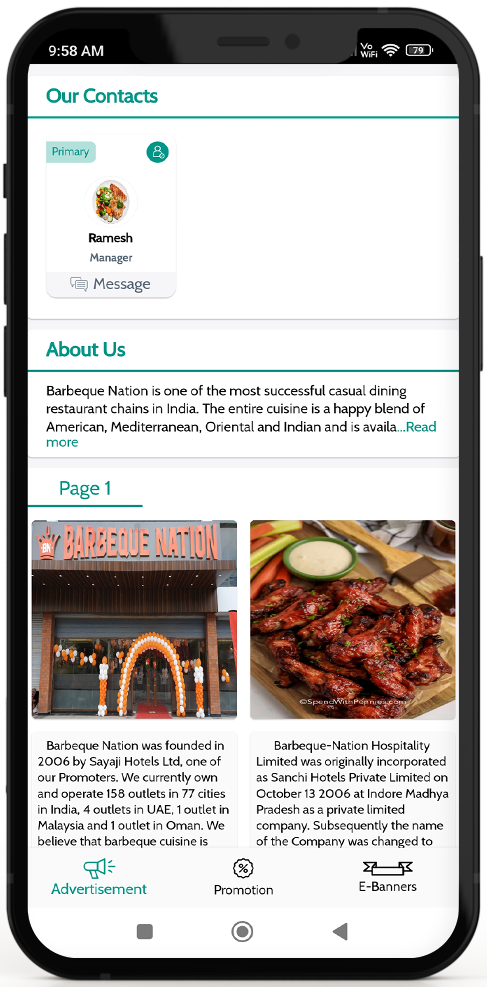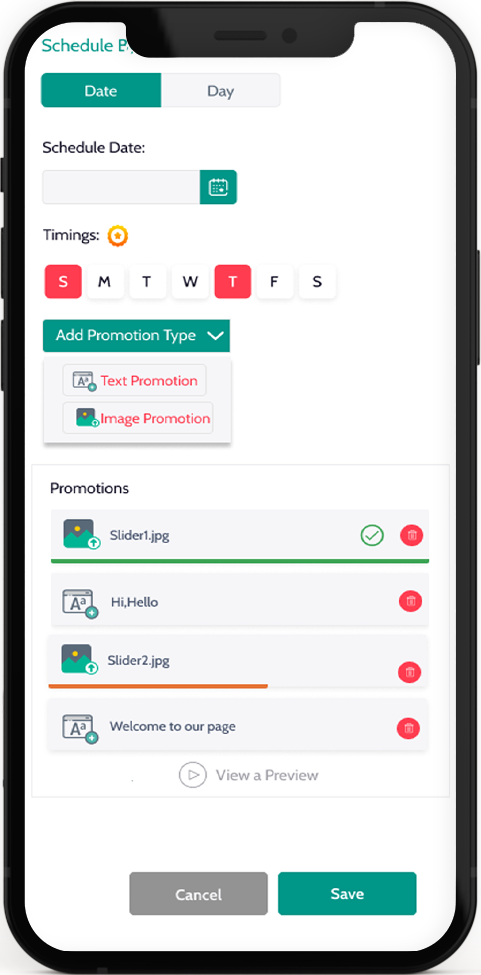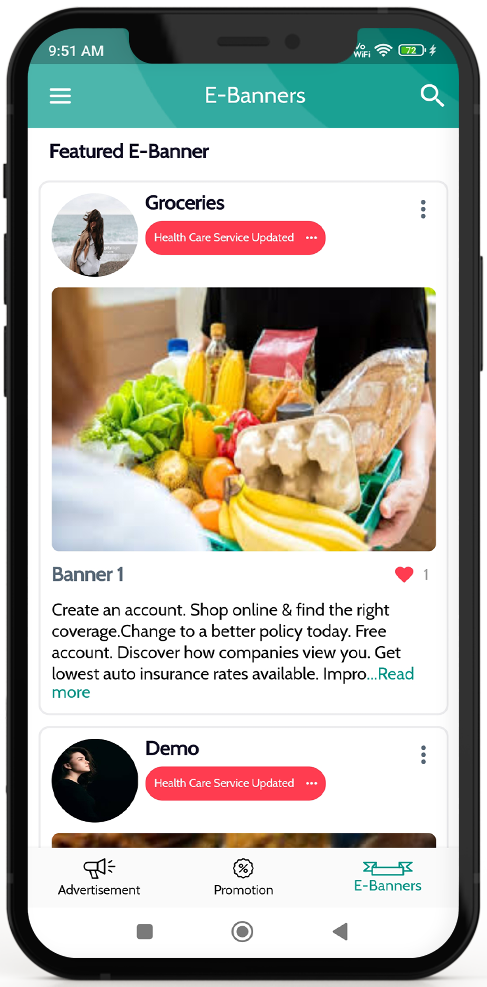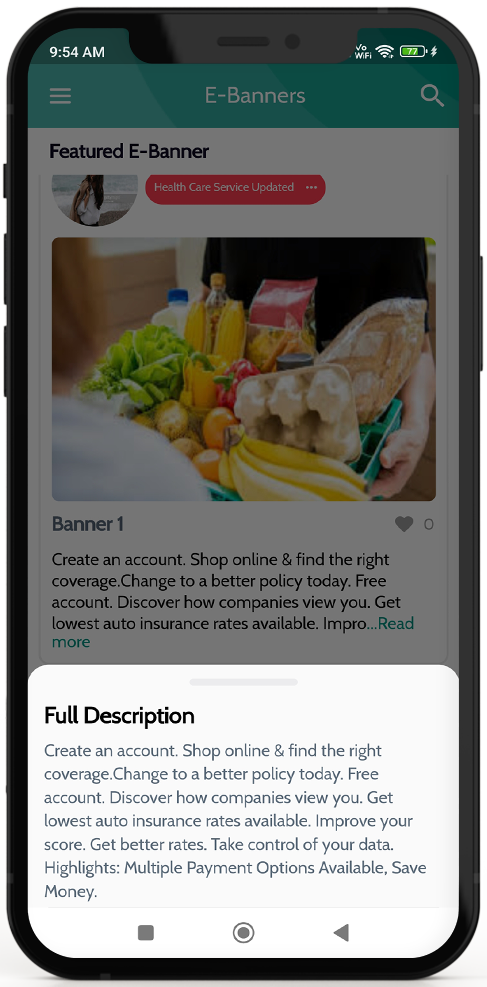


Image Effect

Steps For Buyer

Steps For Buyer

October 15, 2025 2025-10-24 5:41

Buyer Steps

You don’t need to be a geek to use our app. In a click you can explore and discover your city.

Android User

Open AppStore --> Click Search -->Type BusiBeez --> Click Install --> Start Growing
iPhone User

Open AppStore --> Click Search --> Type BusiBeez --> Click Install --> Start Growing

Steps for all users

This primary step lets you choose If you are a seller or a buyer. The moment you open our app a prompt lets you decide between seller and buyer. Then simply sign up by filling your details or sign up using your social media account. With a plethora of options you can customize the application based on your interests.

Step 1

A user is the one who utilizes the service, and a buyer is the one providing the service. Decide who you are amongst these two before registering with us?

Step 2

Get started using various sign up options for opening an account or choose the log in option if you already have an account.

Step 3

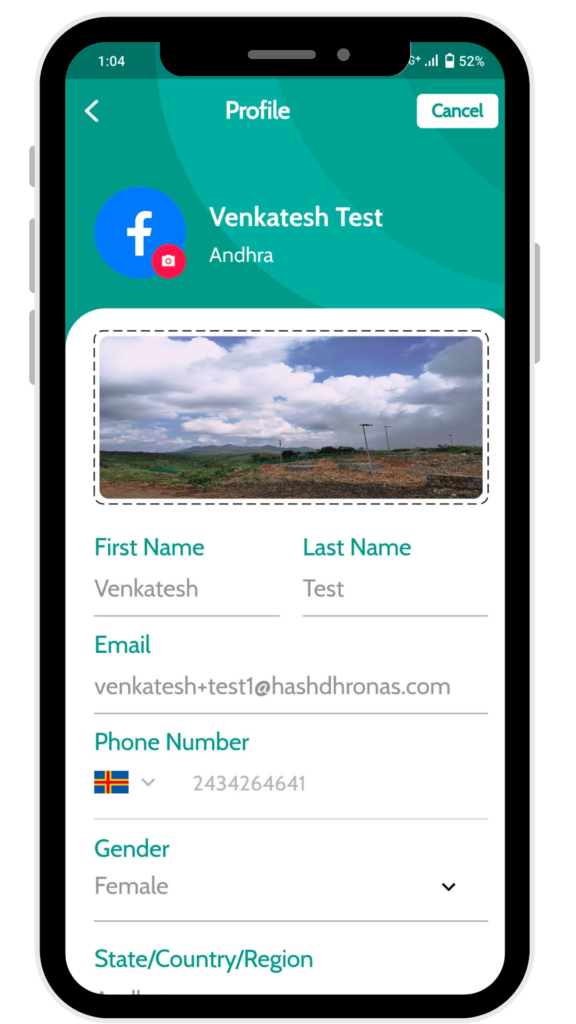
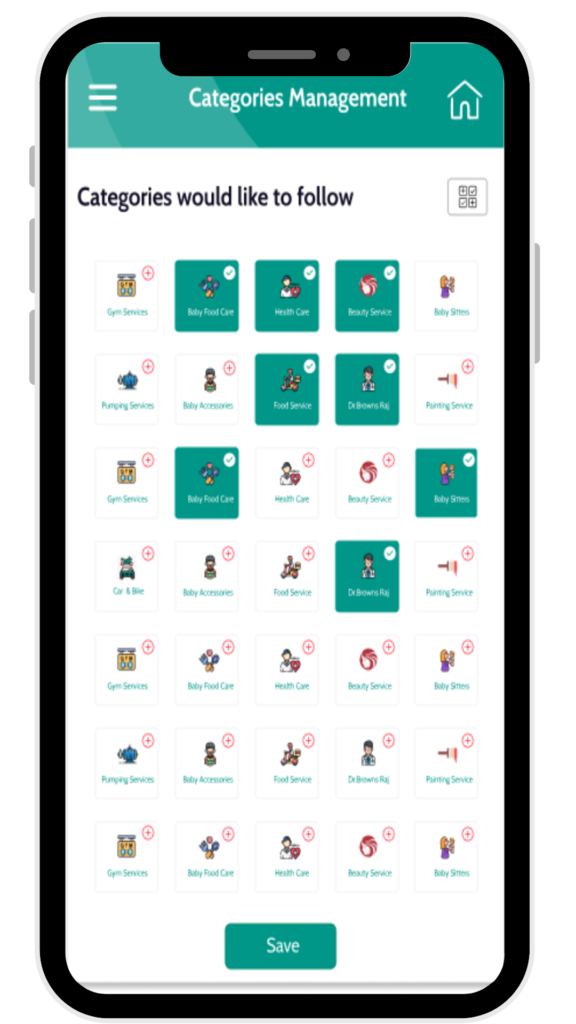
Set up your account; Fill in personal details and update your interests to fully customize the application based on your needs.

A user is the one who utilizes the service, and a dealer is the one providing the service. DECIDE who you are amongst these two before registering with us

A user is the one who utilizes the service, and a dealer is the one providing the service. DECIDE who you are amongst these two before registering with us

A user is the one who utilizes the service, and a dealer is the one providing the service. DECIDE who you are amongst these two before registering with us

On click !

Buy Any think

Lorem ipsum dolor sit amet, consectetur adipiscing elit. Ut elit tellus, luctus nec ullamcorper mattis, pulvinar dapibus leo.

Call us at

( +099 ) 0123456789

E-mail us at

info@busibeez.com

Our office

Sri Annai Flats, Kannabiran Koil St, Jeeva Nagar Extension, Pallikaranai, Chennai, Tamil Nadu